Happy Leap Year 2016

Hello 2016! Yes, it’s a bit late to say that. How about Happy Leap day ? 🙂 I haven’t blogged for a while and the new year post is long due. I made sure to write today.

Year 2015 was great, I created an iPhone app ‘Finish‘ with my wife, visited India, celebrated our 2nd wedding anniversary. There was even an extra second added in June 2015 ;). It was a good year (except the flood in few parts of southern India).
Now Goodbye to 2015 and welcome 2016! So, what is going to be my resolution? Here it is, This year, 

  • I want to be responsible and wise
  • Be an inspiration. 
  • I want to do my part to save the earth from getting warm. (Use energy wisely and make sure to turn off the computers, monitors at work)
  • Sleep on time and wake up early (Excuse me today 🙂 )
  • Talk to my Mom, Brother and my friends and family often
  • Blog frequently
  • Save money
  • Travel and explore
  • Read and Learn more
  • Create something I like
  • Be good and enjoy every day

Most importantly, I will complete 10 years of my career in mid 2016. I wanted to do something big in technology but i don’t think I took any step. I want to make sure to pursue my dreams!

That was a huge list right ? 

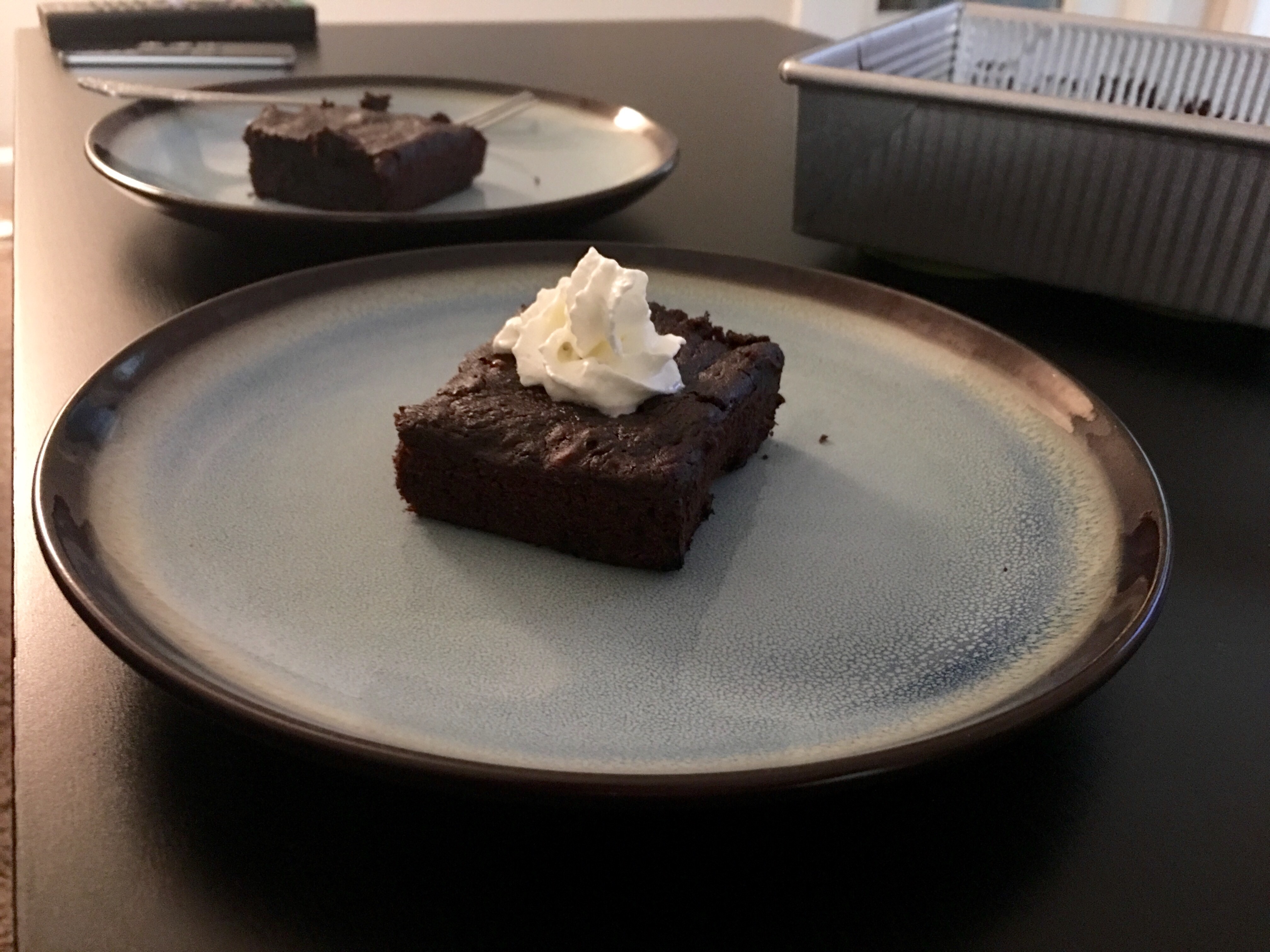
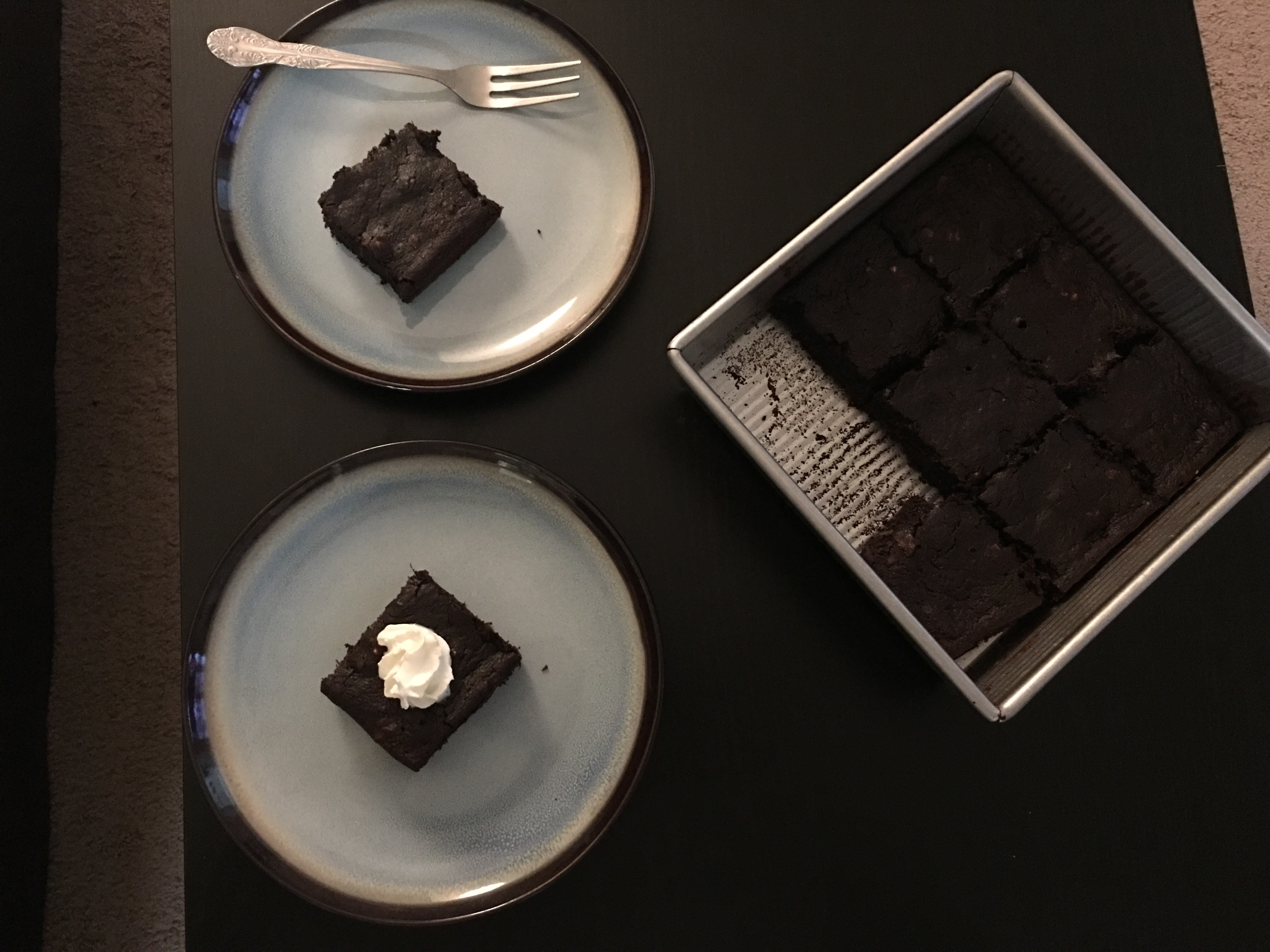
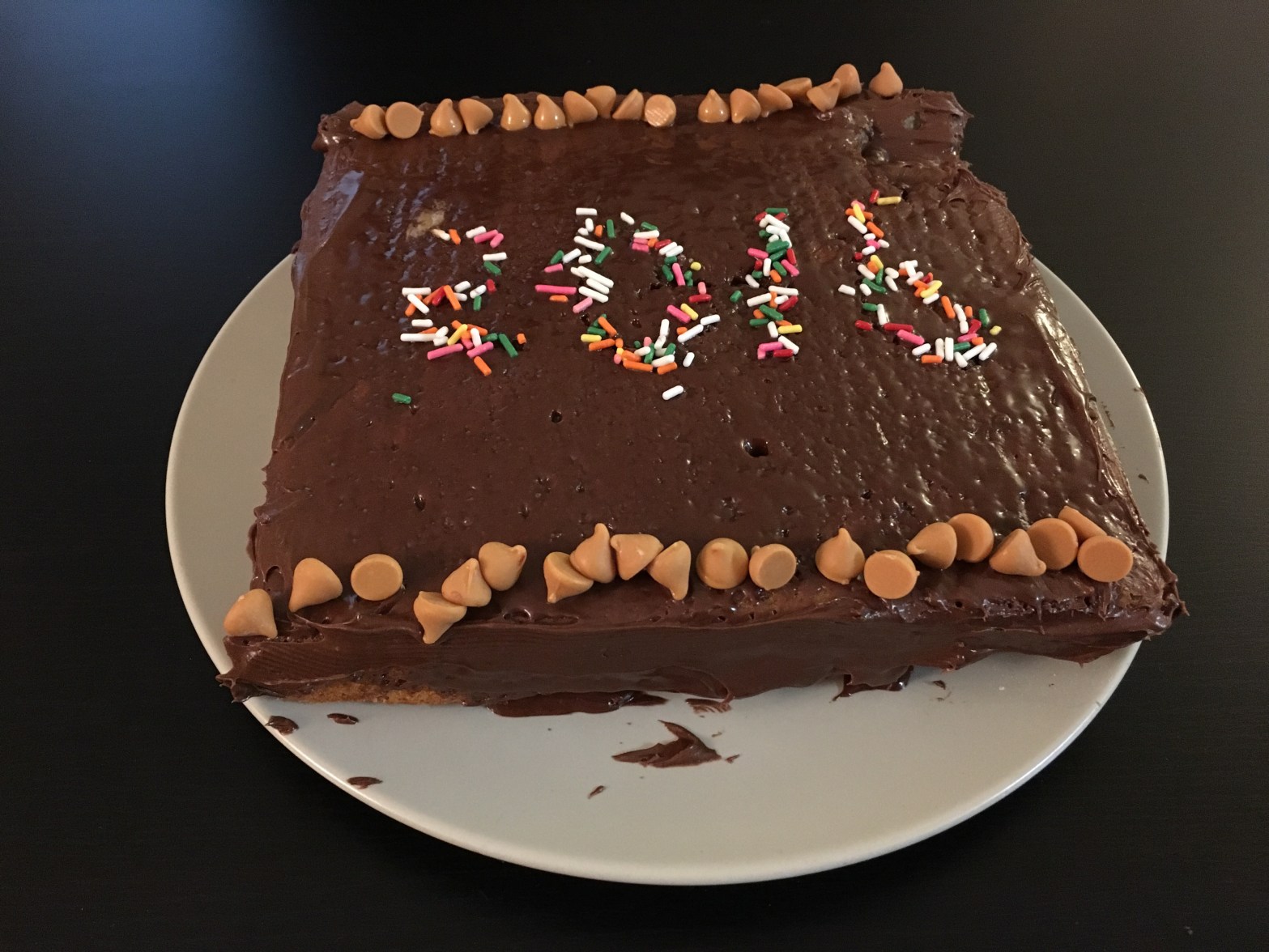
So what I did with the extra 24 hours that I got today ?  I made a Brownie cake for my wife.

Error
This video doesn’t exist


It tasted bad, but Brownie looks brown, hence proved! 

Happy New Year and Leap Day! Cheers!

PS: Later, I cleaned the mess that I made in kitchen.

Live Photos

Apple’s new iPhone 6s and 6s Plus comes with several new features. One of them is Live Photos. I initially thought it is just a gimmick and not much useful. But having used it until now, I really liked it.

It adds more life to photos. Unlike static picture, it tells a little more about it. That’s awesome and gives me Harry Potter like feel to the pictures.

Here are a few Pictures (Live Photos converted to videos).

Feelings of the Apes

I went to Cincinnati Zoo yesterday and It was a nice day out. Gorilla World was exciting and I took a few pictures of Gorillas which showed a round of emotions. I have arranged the pictures to show the emotional transition from Disappointment, Sad, Puzzle, Trust, Determination and finally confidence.

Disappointed!
Disappointed!
Sad!
Sad!
Thinking Deep!
Thinking Deep!
Trust!
Trust!
Determined
Determined!
Confident!
Confident!

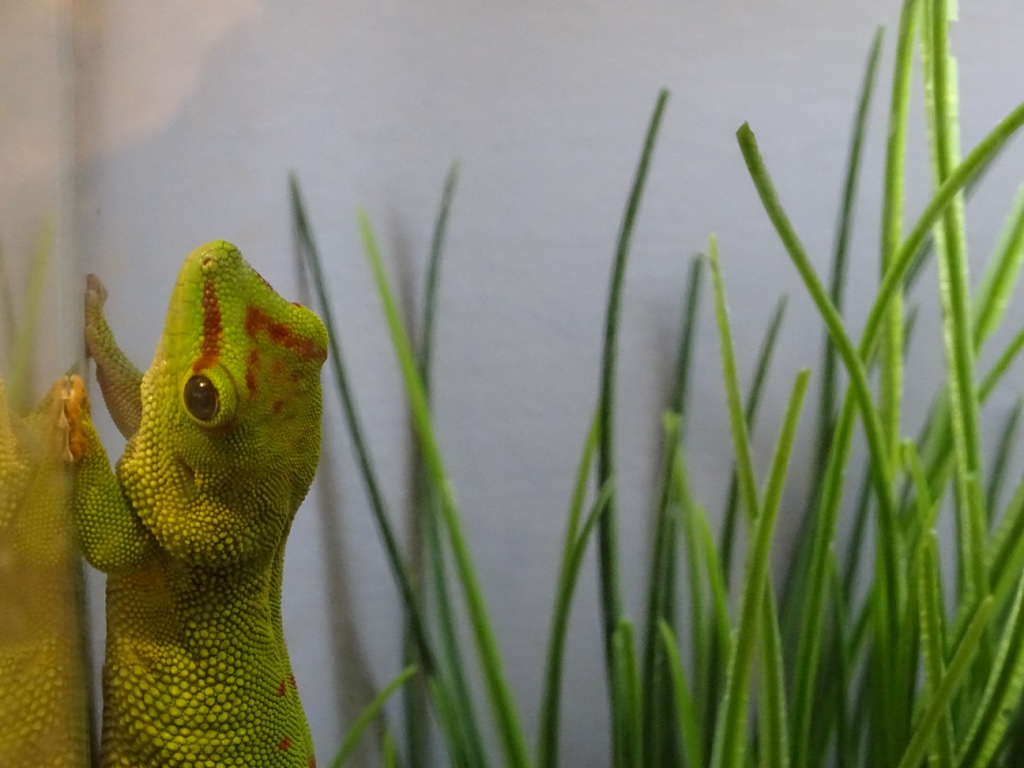
Few more pictures other than Gorillas!thumb_DSC01191_1024
thumb_DSC01350_1024 thumb_DSC01333_1024thumb_DSC01359_1024

Finish

Me and my wife have finally completed the reminder app. It is called Finish.

Thanks to my wife for helping me in learning a new programming language and working with me on this app. We published it for free. It neither has ads nor In-App purchases.

Finish Codersb

It is now available on iOS App Store.

About the app:

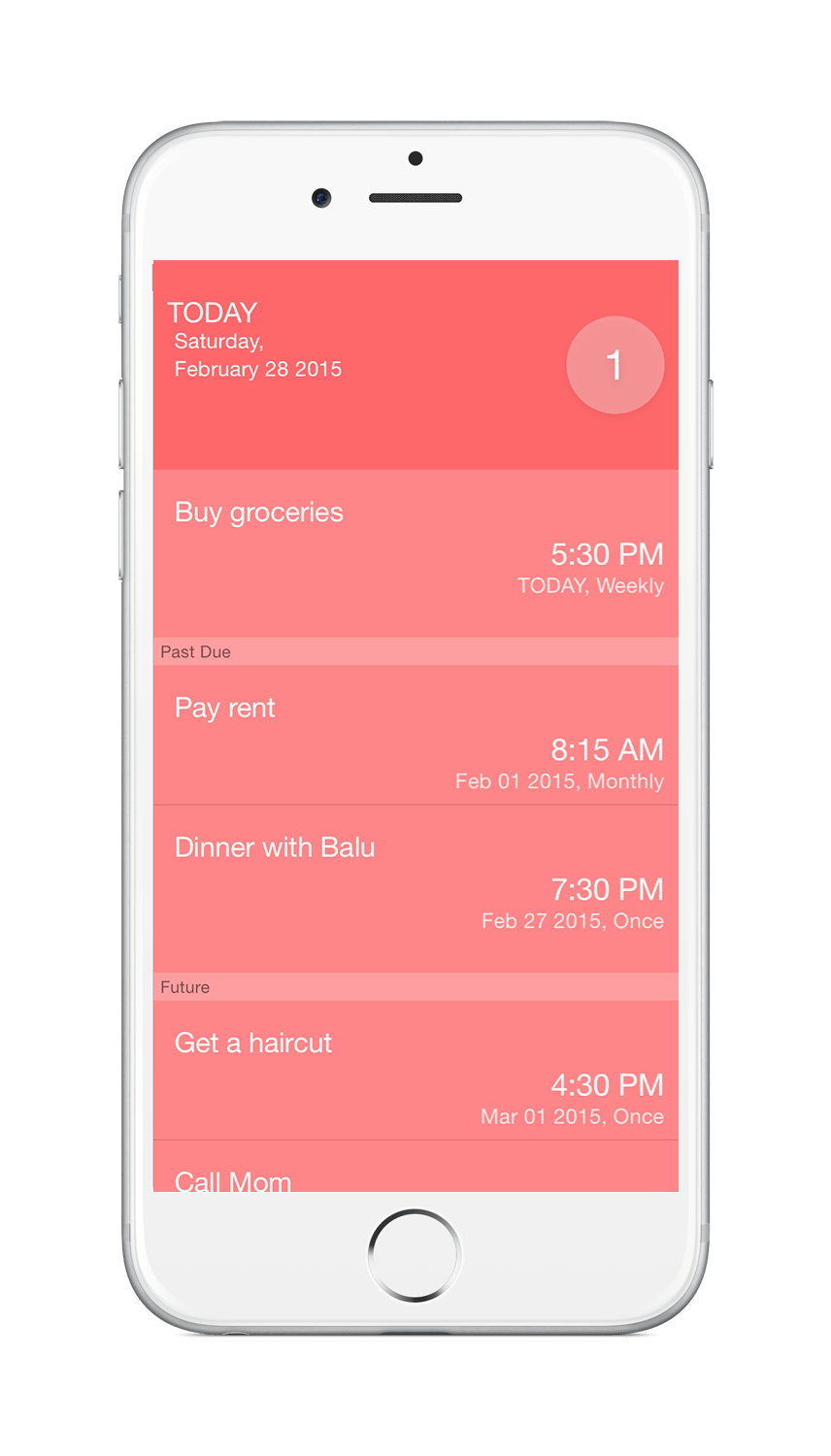
Finish is a simple reminder app which has very minimal but required features. There are tons of To-do and reminder apps in the market, but this one focuses on a simple todo list with lovely interface. We wanted it to be easy to set a reminder date and time. Other apps would take multiple scrolls and swipes to choose a future month and year. This one requires only a few taps to choose any month of any year.

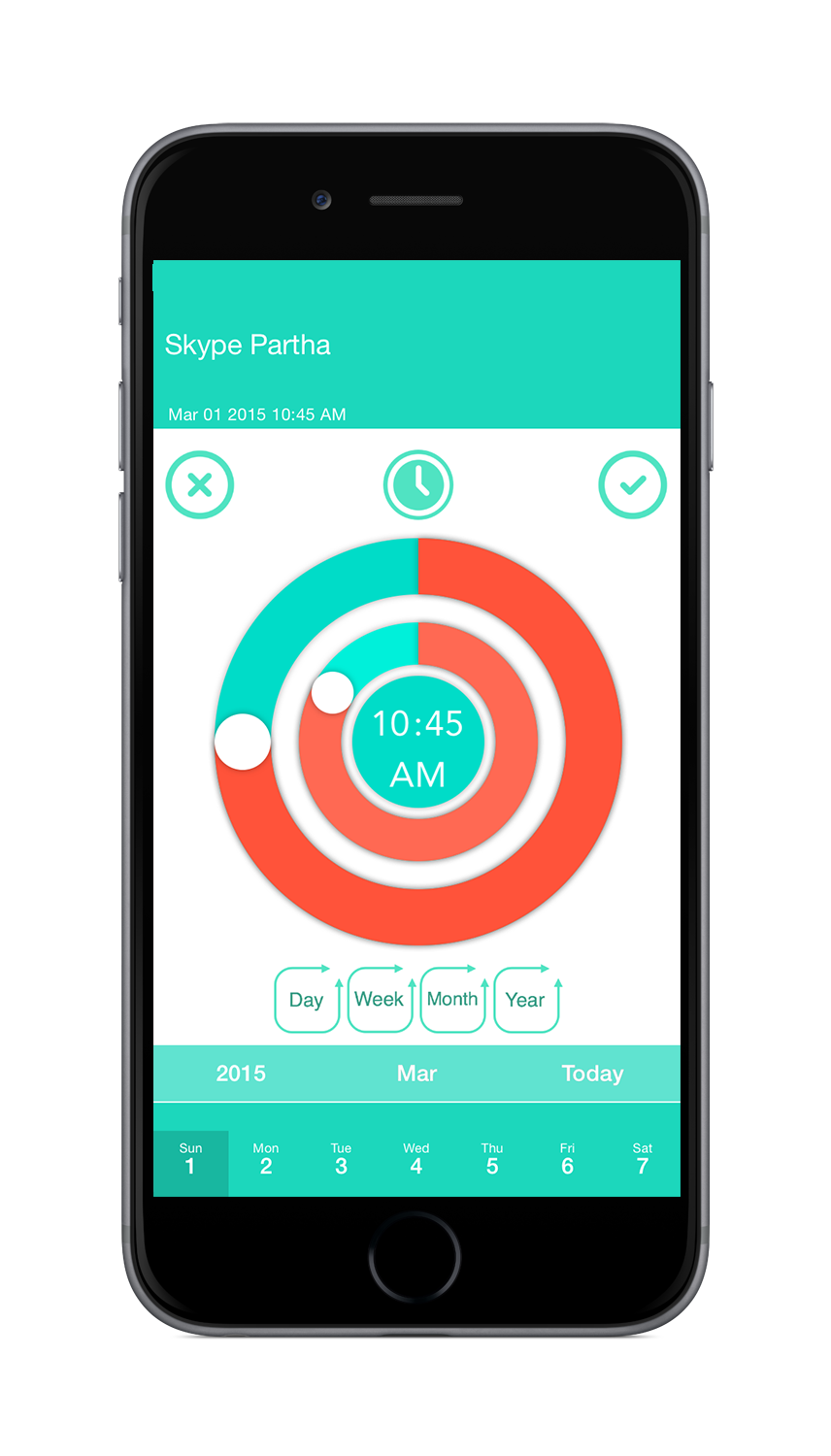
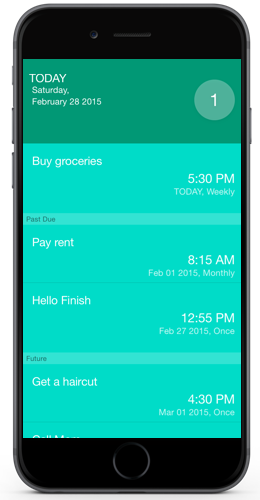
We have referred many user interface and worked on several designs to reach this point. Here’s a screenshot of app.

Finish_Today

Finish_TIme

I hope someone from one corner of the world will like this app 🙂

I am also working on a new website for this. It is codersb.com.


It feels good to finish something 🙂


What’s happening?

It has been 2 months since I blogged. What was I doing all these days ??

Remember? I wanted to create a reminder app and posted a mock up design ? Yes, I was totally focusing on it and nearing to complete the initial version.

I have named it as Finish. I will tell more once I publish the app.

Happy New Year 2015

Happy New Year to all.

2014 was a great year. The resolution I took last year was to Travel and Save money. Did I accomplish that?

Travel: Yes, I travelled many places like Florida, New York, Chicago and Metamora, Indiana.

Savings: Sort of :), I saved very little money, but I appreciate and give a pat on my shoulder that I have made some progress than previous year.

So what is the resolution and goals of 2015? Here we go…

  1. Complete and publish the Todo app that me and my wife working on.
  2. Spend 8 hours at work, 8 hours for family, friends, hobby and then sleep well everyday.
  3. Equip and advance towards my goal in becoming Solution and Enterprise Architect.
  4. Save decent amount of money.
  5. Blog frequently.

I hope to enjoy life with my wife and progress well in my career.

Happy New Year, Here’s my blog stats of 2014.

Here’s an excerpt:

A San Francisco cable car holds 60 people. This blog was viewed about 1,800 times in 2014. If it were a cable car, it would take about 30 trips to carry that many people.

More stat info.

I went back in time

Me and wife visited Metamora, Indiana today and it took us back in time. It is a historic town which is one hour drive from Cincinnati, Ohio.

Metamora, IN

Every place has a story of past, but this place lives in the past. People, buildings, nature and every objects that I see, tells me a story.

DSC00890

I have been here a year ago with my friend. Now, I took my wife and she liked it as well. Old people and Old places take us to a their good old memories, which is why I like them a lot.

DSC00879

IMG_0304 IMG_0283 IMG_0250 IMG_0247 IMG_0168 IMG_0159 DSC00981 DSC00974 DSC00889 IMG_0153

DSC00952DSC00954

IMG_0263

Is there a lot of picture in this post 😀 ? We had fun and retuned home in the evening. I wanted to visit this place during winter and see how it looks :).

When Mac met Windows

It was then, when I couldn’t afford an apple computer, I used to have an app that mimics Mac Dock on my windows desktop.

And now, on my Mac, I was exploring several ways to install and use windows. I’m not a fan boy of any particular product or a company, but addicted to learn and explore the technology that inspires me.

When I got hands-on with OS X Yosemite, I was quite fascinated by its awesomely flat + Translucent look. Before my excitement settles down, Microsoft has announced its early preview version of Windows 10. So I decide to try it on Virtual Machine and here we go…

What you need.

  1. Windows 10 – Download Windows Technical Preview from preview.windows.com.
  2. A Virtual Machine software. (I’m using Parallels.)
  3. USB Drive.

Let’s see how to install windows 10 on OS X Yosemite using parallels.

Why to use USB drive ? I faced No drivers found error when installing it from hard drive. So I tried using a FAT32 USB drive (not sure if the filesytem matters) and it worked 🙂 !!.

Installation steps: (Refer the video)

  • Copy the ISO image to USB drive.
  • Open Parallels and click the + button that creates a new virtual machine.
  • Click on the ISO Image icon.
  • Drag and drop the file. It will show unknown version, but never mind, just click continue.
  • Choose windows 8.1 as its operating system.

The rest is taken care by itself which takes about 30+ minutes and you are done.

I loved the Parallels coherence mode which shows windows task bar on Mac desktop. I’m yet to explore more on OS X Yosemite and Windows Technical Preview.

When Mac met Windows…

Live tile winks and iTunes sings,

Safari and IE shared Links,

It was such a FaceTime!!

Screen Shot 2014-10-02 at 8.08.18 PM

I have composed a screencast as well.

Swift – A new programming language

I wanted to create an iOS app which I have described in this post. Being a C# programer, it was so hard to learn Objective C, especially with the unusual syntax.

Look at what it takes to create an instance of a class in Objective-C.

ClassName *instanceName = [[ClassName  alloc]  init];

Seriously? Allocate and Initialize? Do I need to tell each and everything to it? There are too many square brackets to deal with.

Unlike me, my wife was so comfortable and picked it up real quick. She laughs at me when I complain!!

Luckily, in a month, Apple had announced its new programing language Swift for iOS and OS X. I felt like Apple heard me 😉

It is a developer friendly language and let programmers focus on logic than complex syntax.

Now look at how to instantiate a class in Swift…

var instanceName = ClassName()

No semicolons required at end of each line 🙂 It is simple and easy to code. Learn more about Apple’s Swift from their website.

I have started to learn and hope to be an expert soon.

Happy Coding!!


Â